
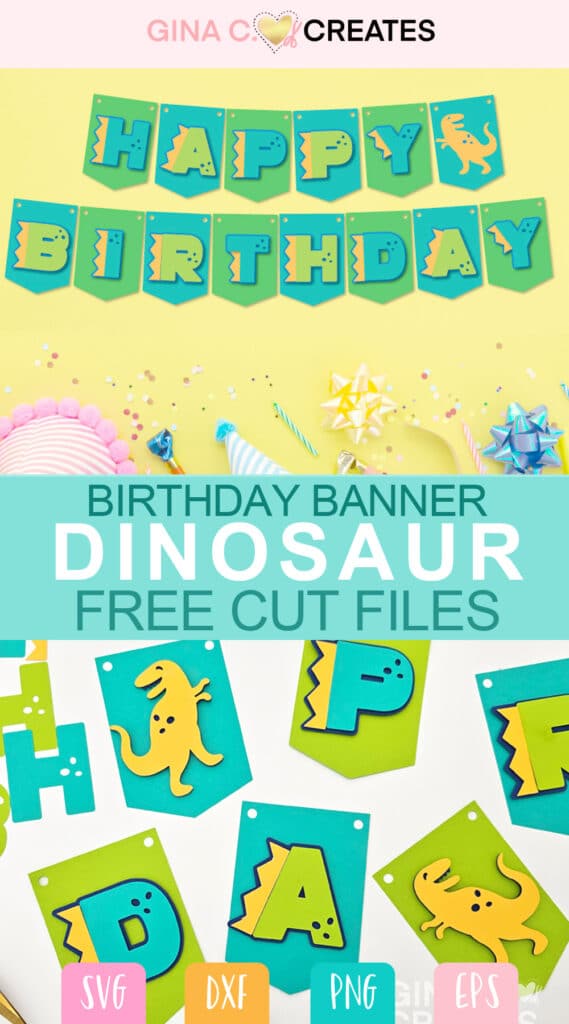
Hey there crafty friends, today I’m going to share with you some free dinosaur SVG cut files! Below you will find a list to additional free dinosaur SVG cut files for your cutting machine! Just scroll down to the end of this post to view 16 more free dinosaur SVG files.
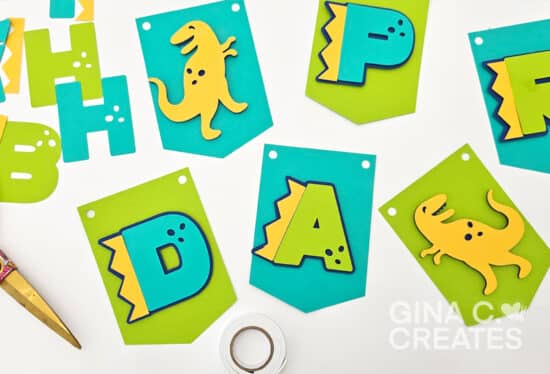
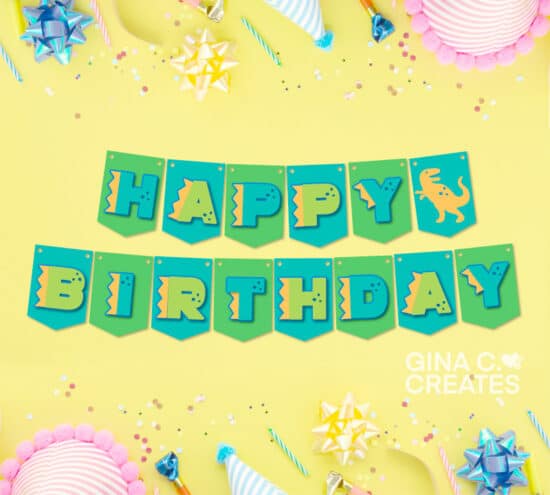
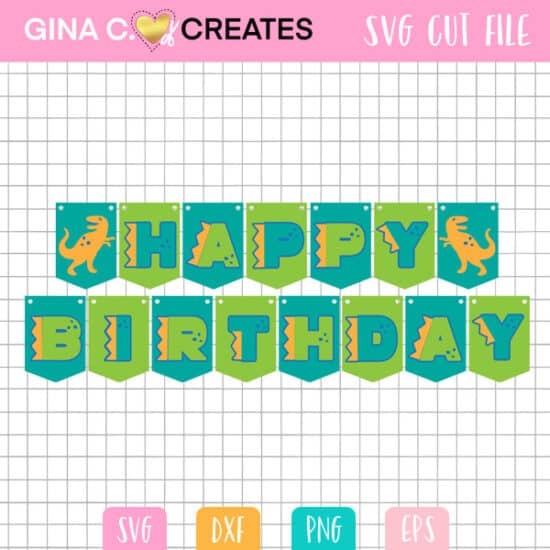
I have designed a fun birthday dinosaur banner you can make for your next dinosaur party! Get creative with layering cardstock to create your own dinosaur Happy Birthday banner, using my free Dinosaur Birthday Banner SVG. Download available at the end of this post as well a part of my Forever Free Files.
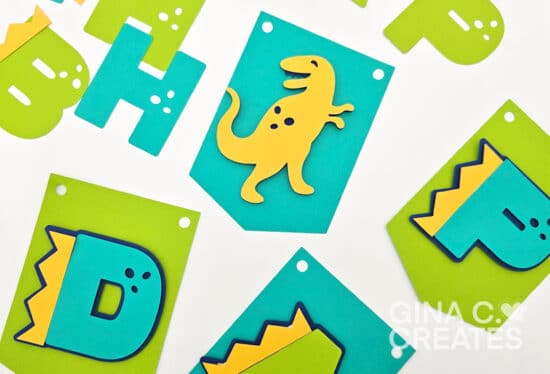
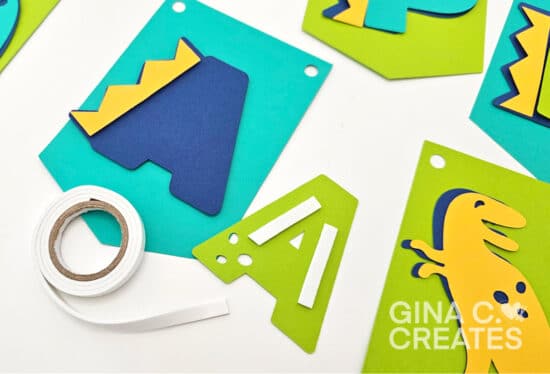
Create this dinosaur banner with colored cardstock and layer them together with foam tape. The dinosaur banner has pendants that are individually sized at 4 x 5.7 inches, however you can resize them to be smaller or larger to fit your banner space. You can also switch the colors in Design Space to match the rest of your dinosaur party decorations.
Another option to create this banner is to use the print and cut feature with your Cricut. See end of tutorial for instructions.
Upload the SVG file to Cricut Design Space. If you are a Windows computer, the SVG might display with a internet icon. To open the SVG you must upload it to Design Space first. It will not work by double-clicking the file in the folder window.
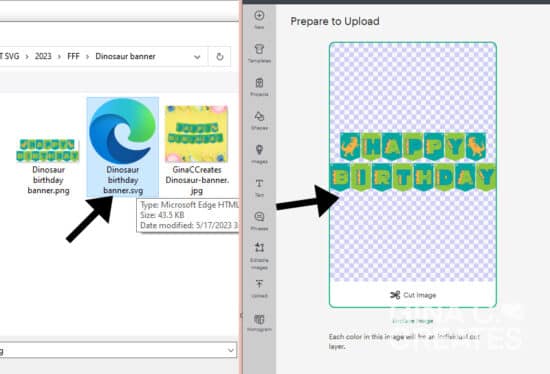
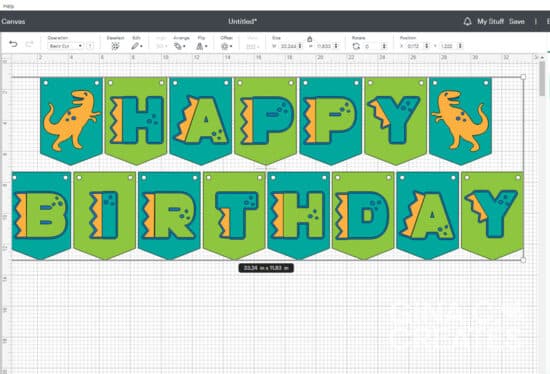
Once the SVG is uploaded, make sure it is the correct size of 33.24 width. This banner is ready to cut if you don’t want to change any of the colors. If you do, simply ungroup the SVG and select each layer to change the colors or use the color sync option to change a group at a time, instead of individually.
Next, you are ready to cut out each layer with colored cardstock, on the Cardstock+ layer setting.
After you cut out each layer, you can organize your banner by each letter and colors. This helps keep track of where all your pieces go before you assemble. Now you can layer each pendent together using foam tape.
You can use string, yarn, ribbon or twine to string your banner threw the holes.
If you are limited on colored cardstock or simply don’t have the time to layer each pendent together, you can still use the SVG to create a print and cut image. All you will need is 8.5×11 white cardstock and your printer!
After you have already sized and ungrouped the SVG, select two laid out pendants, that are right next to each other, with all the layers on top and hit flatten.
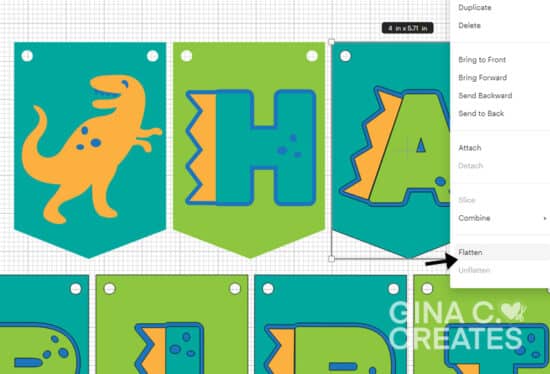
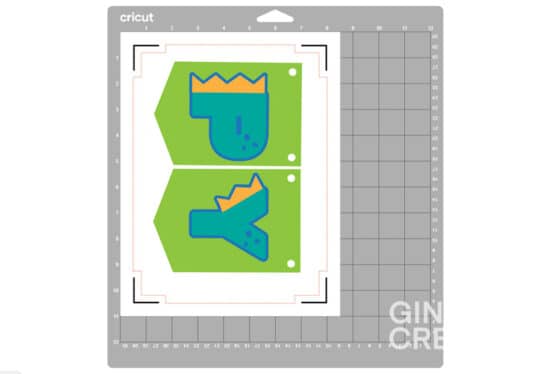
The print and cut area will print 2 pendants to a page, this is why you want to make sure the two are close together and side by side to maximize your 8.5×11 paper space. Now you will be able to send it to the mat and print each sheet out.
I hope you enjoy my dinosaur Happy Birthday Banner SVG. How will you be making this Birthday banner? Do you like the color cardstock paper look? Or do you prefer to keep it simple with the print and cut feature?
Visit each link below to these dinosaur SVG Cut Files!
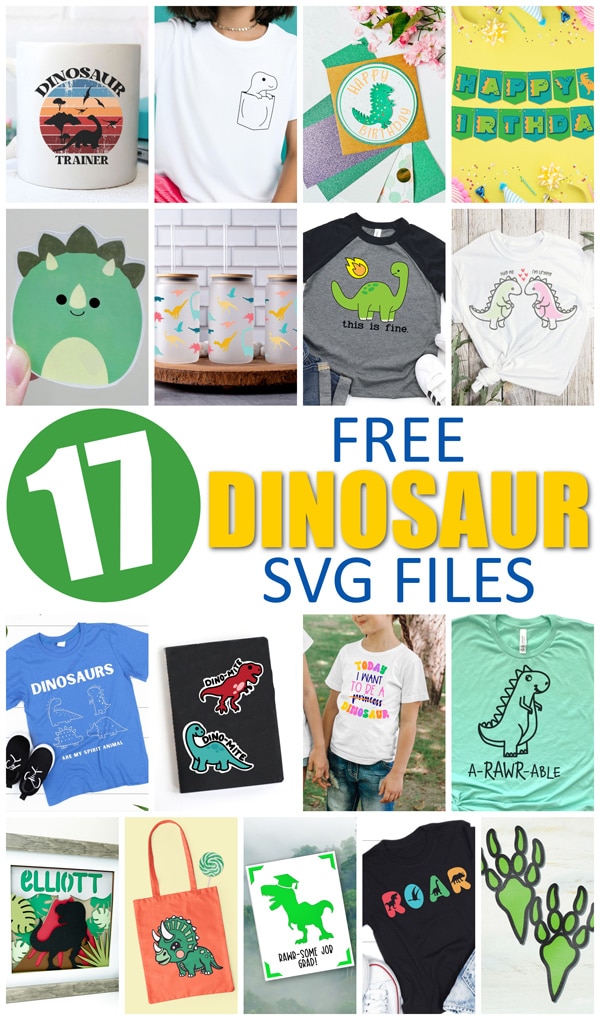
Cute Triceratops SVG | Persia Lou
A Rawr Able | Crafting Overload
Dinosaur Glass Can Wrap | Brooklyn Berry Designs
Dinosaur Foot Prints SVG | Like Love Do
Dinosaur Party Banner | Gina C Creates
Dinosaur Trainer Sunset SVG | Color Me Crafty
Dinosaur Hug Me SVG | The Denver Housewife
Dino ROAR SVG | The Quiet Grove
Customizable T-rex Shadowbox | Dinosaur Mama
Dino Squish Sticker | Kiy’s Craftroom
This is Fine. | Artsy Fartsy Mama
Dino Mite Sticker | Liz On Call
Today I Want To Be A Dinosaur | Simple Made Pretty
Dinosaur Graduation Card | The Bearded Housewife
Dinosaur Printable and Card Tutorial | Extraordinary Chaos
Dinosaurs Are My Spirit Animal | Sunshine and Munchkins
Dinosaur Pocket | Tried & True Creative




One Response
Hi Gina,
I working on this dino banner and wanted to add my grandson’s name. What font did you use for the text?