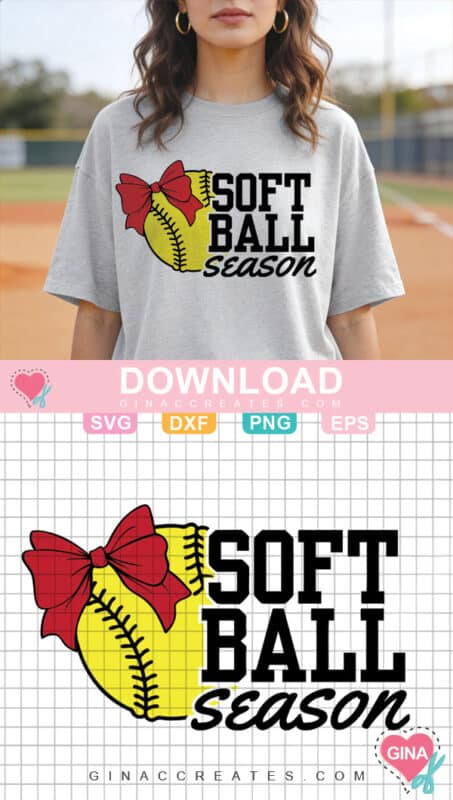
If you love crafting for game day, youโre going to adore this Free Softball Season SVG! This design features a cute softball with a red bow, making it perfect for softball moms, players, and fans who want to create fun handmade gear for the season. This free SVG download is easy to cut, beginner friendly, and perfect for adding a little sporty sparkle to your next craft project.
Whether you’re making a custom softball shirt, tote bag, tumbler decal, or team gift, this SVG cut file works beautifully with both Cricut and Silhouette machines.
Table of Contents
What You Can Make With This Free Softball SVG
This design is super versatile for crafting. Here are a few fun ideas:
- Softball mom t-shirts
- Game day hoodies
- Team tote bags
- Water bottle or tumbler decals
- Player gift bags
- Car decals
- Scrapbook pages
If you love creating sports themed projects, you might also enjoy browsing all my Sports SVG files for Cricut!
Supplies You’ll Need
To make your softball craft project, you’ll need:
- Cutting machine (Cricut or Silhouette)
- Heat transfer vinyl or adhesive vinyl
- Blank shirt, tote bag, or other project surface
- Weeding tool
- Transfer tape (for adhesive vinyl)
- Heat Press or Iron-on
- And my Free Softball Season SVG (download at the end of this post)
If you’re new to working with iron-on vinyl, one of my favorite starter bundles is this variety pack on Amazon that includes lots of colors perfect for sports crafts!
If you are new to iron-on vinyl (HTV), I have this beginner step-by-step tutorial on How to use Iron-on Vinyl with Cricut. Create a professional looking shirt with household items!
How to use Free SVG Files
Here are some basic step for using free SVG with Cricut Design Space.
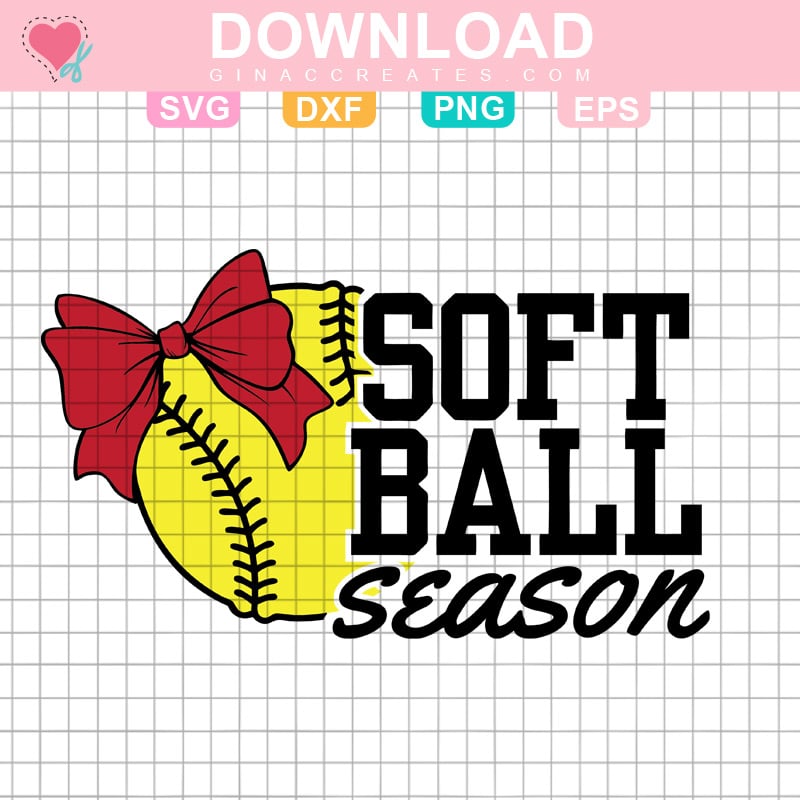
- Download my free SVG file using the pink download button below this post. (All free SVG files come as a zip folder. You will need to right-click and extract all files and save to a new location).
- Measure your product surface, where you want the design to go.
- Upload the SVG file type. This is the best file type to using with Cricut machines. An SVG file type contains multiple layers that you can easily edit. Please beware that on some Windows PC computers might display a SVG file as an Internet HTML Document. You can still upload that file to Cricut Design Space.
- Resize to the product surface measurements.
- Ungroup SVG, change the colors of each layer to suit your project and material.
- To cut as one piece, select each layer and attach like colors.
- Mirror the design if you are using HTV or Iron-on vinyl.
- Cut on the appropriate settings for each material.
- Weed of any excess vinyl.
- Press vinyl to t-shirt or sweatshirt using heat like a Heat Press or Iron. Use a sheet of parchment paper or Teflon sheet to protect garment.
- For adhesive vinyl, use transfer tape to transfer design to the product.
Free SVG Download
Don’t Forget to Share to Pinterest
Please share this post to Pinterest, by using the images below, to help other crafters like you find my Free SVG Files and DIY Crafts!
One Response
Beautiful! Thank you so much.