
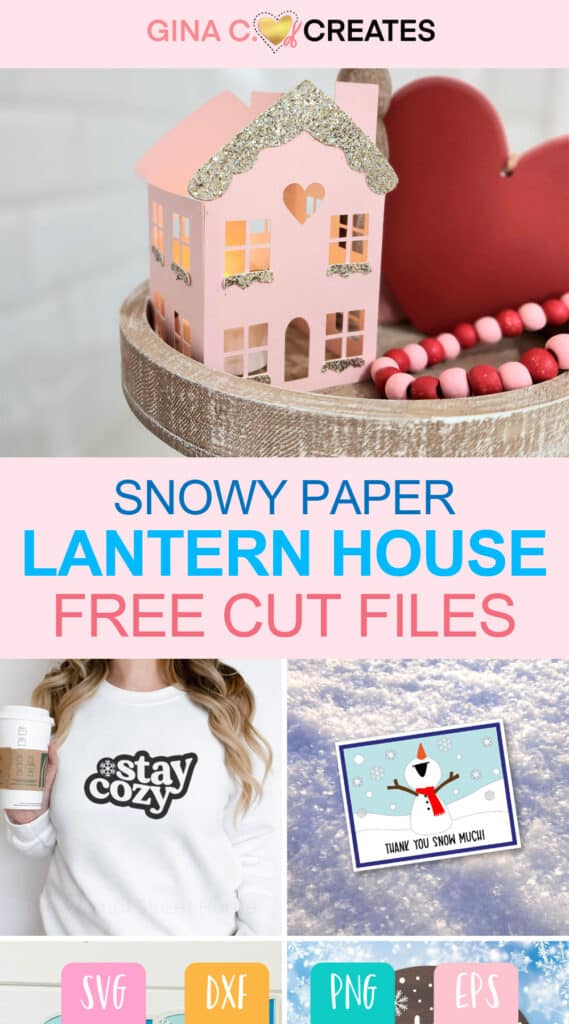
Cricut Snow Projects for Winter | Free SVG Cut Files Collection
Welcome back Crafters, it’s time for the first themed collection of free SVG files!! If you’re new to my blog, let me give you the run down. Every month around the 3rd Friday, I will share with you a collection of free SVG files, created by me and my crafting friends! I’m so happy to be sharing their amazing content, as we all became friends over the years! It’s a great way to build a craft empire together!! And I’m glad you are here to be apart of it with us! You can checkout all the past months themed free SVG files HERE!
It’s great when the crafting community comes together to help each other out! We all can be creatively inspired by each other, and that’s when great things happen!! Like the spring Cricut Craftfest hosted by Abbi Kirsten! You can find a handful of us, from this free monthly SVG collection, in this years Cricut Craftfest. It’s a free 5-day event running from Feb. 6th -10th, 2023. There are over 40 crafting professionals coming together to give you tons of Cricut crafting tips and tutorials! Our goal is to help our fellow crafters become more confident when using software, Design Space and your Cricut machine! If you would like to get access to 40+ workshops sign up here for FREE! Find info on my workshop here!
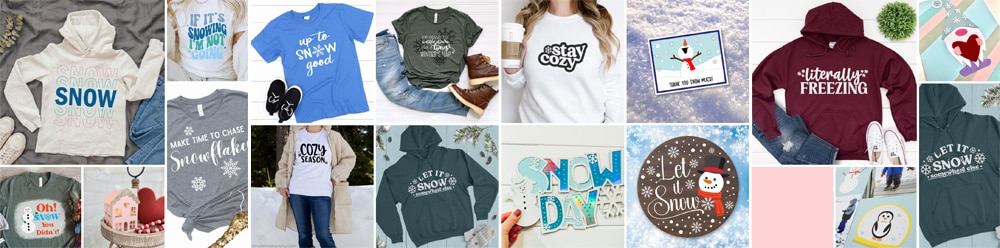
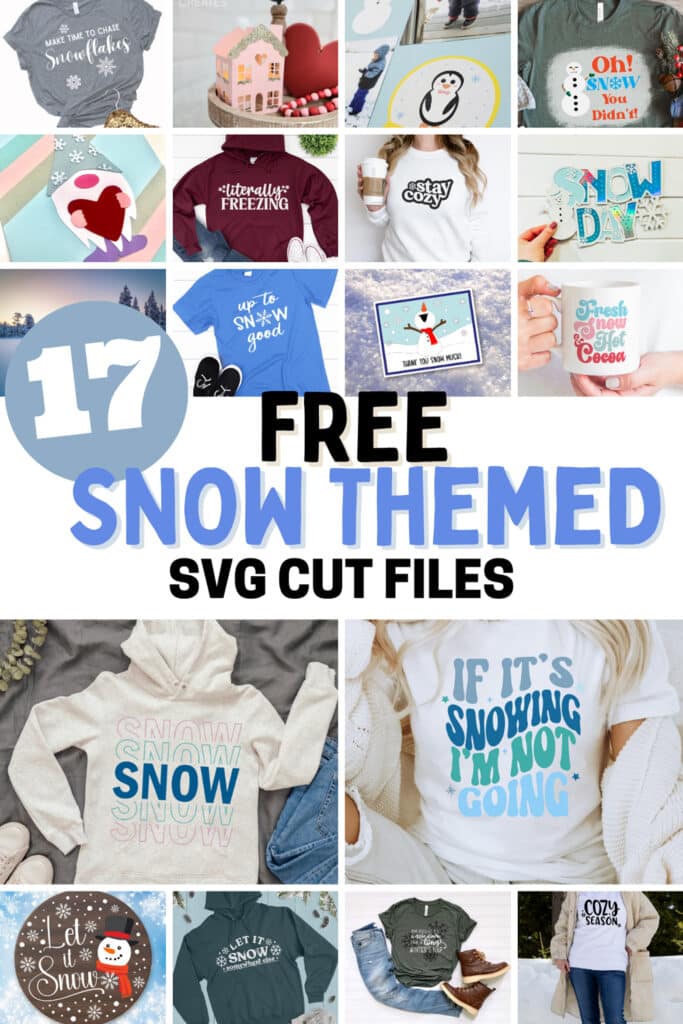
Now, let’s get to this month’s Free SVG Collection, this month we are focusing on SNOW, we all can relate it has been a cold winter. I’m here in Southern California, and I have been scraping off ice on my windshield every the morning! LOL I hope you guys are all staying warm and cozy out there. You can find links to all these 17 free Snow SVG files below.
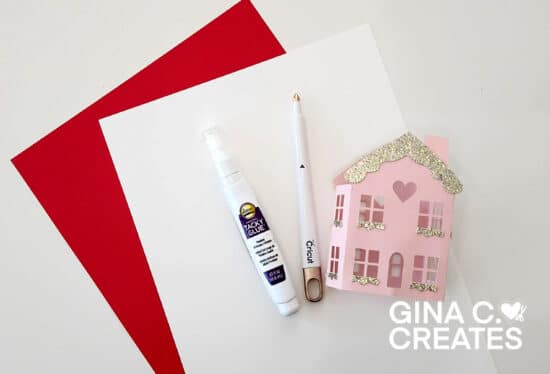
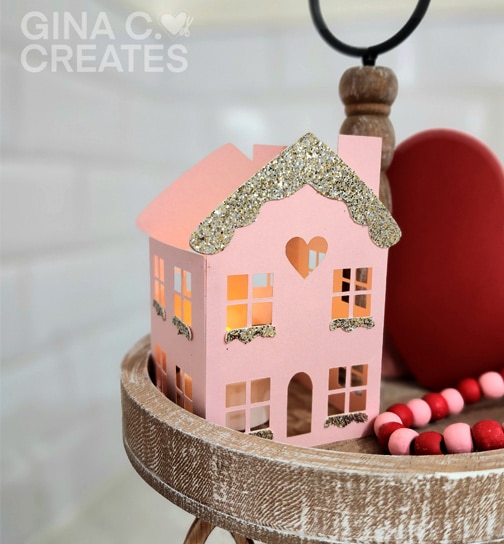
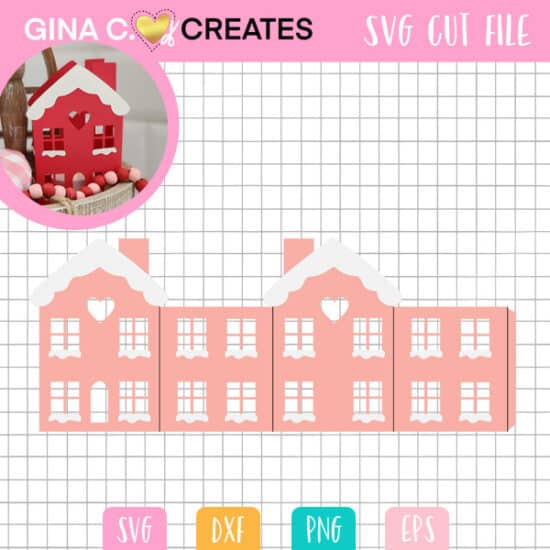
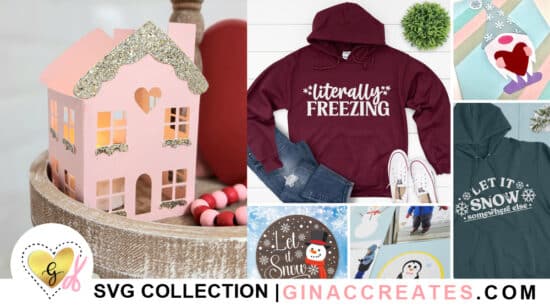
I have designed this cute Snowy Paper Lantern house and I will show you how to make these. My template can be cut with cardstock and is sized for mini tea lights that are battery operated of course. You can make the house any colors, patterns, or glitters using your choice of cardstock. Just look how cute they look in red and pink for Valentine’s day!!!

Here is a list of supplies:
After you download my free SVG file, you can find it in your downloads folder. It will be a zipped folder, right-click on the folder and hit “extract all”. Upload the SVG file type to Cricut Design Space. If you can’t see the SVG file type, then it’s the one that has an internet icon like Microsoft Edge or Google Chrome, the file type might say HTML doc.
Once imported into the canvas, make sure the SVG uploaded the correct size. Sometimes Design Space has glitches, so it’s always good to make sure before you cut.
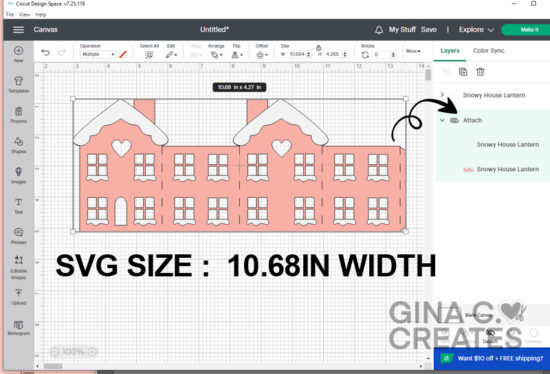
Next, we need to “ungroup” the SVG file and select the solid black cut lines, they should be all on one layer. Once selected, go up to operations and change the lines to “score”. Next you can change to any colors you like, then cut on cardstock + and load in your scoring stylus.
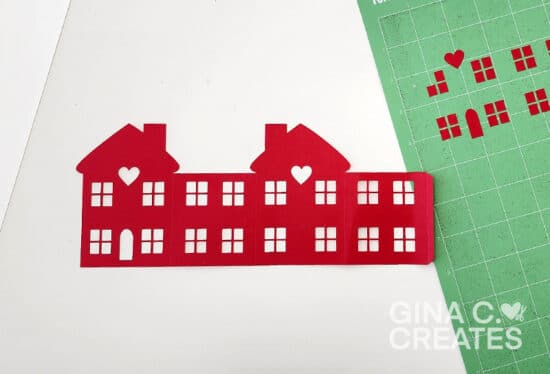
After you cut both layers out, apply the snow shapes to the roofs and bottom of windows. Do this before you fold over the score lines.
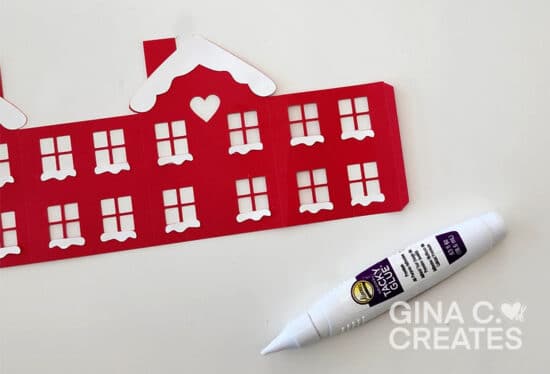
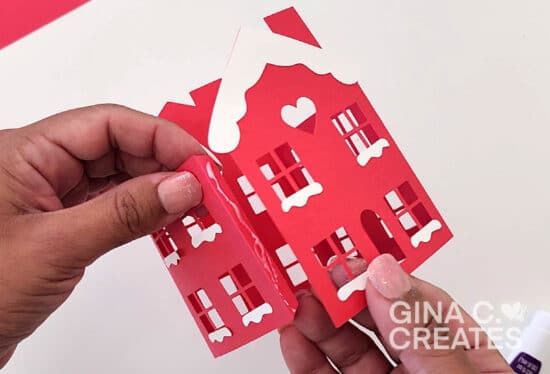
Apply craft glue to the tab on the side of the house and press down. Let it sit for a few minutes until its dried.
You can use these cute little houses to decorate your mantel, tiered tray or shelves. I hope you enjoyed this tutorial! And I hope to see you at the Cricut Craftfest next month, you’re not gonna want to miss out on my Split Layered Mandala, it comes free when you attend my online workshop!

Visit each link below to download more free snow SVG cut files.
Let It Snow SVG with Snowman | Abbi Kirsten Collections
Let It Snow Somewhere Else SVG | Persia Lou
Long Winter’s Nap | Crafting Overload
Snowy Paper Lanterns | Gina C. Creates
Oh Snow You Didn’t Funny Snowman SVG | Color Me Crafty
If It’s Snowing I’m Not Going | The Denver Housewife
Snow SVG | The Quiet Grove
Snow Gnome | Dinosaur Mama
Snow Globe SVG | Kiy’s Craftroom
Make Time to Chase Snowflakes | Crafty Life Mom
Literally Freezing | Artsy Fartsy Mama
Cozy Season | Simple Made Pretty
Thank You Snow Much Card | The Bearded Housewife
Stay Cozy | The Walnut Street House
Layered Snow Day File | Extraordinary Chaos
Up To Snow Good | Sunshine and Munchkins
Fresh Snow & Hot Cocoa | Tried & True Creative 





One Response